
PRD AI Prompt - ProductFTW #88
The quality of your PRD has less to do with the prompt than it does with the context you provide
You’re probably expecting this article to contain a prompt you can copy and paste into AI to generate a great Product Requirements Document. I understand why. Since publishing my PRD template, one of the questions I’ve been asked most often is whether I use AI to write PRDs and, if I do, whether I’m willing to share the prompt.
The answer is yes, I use AI to draft nearly every PRD I write. It saves me a tremendous amount of time, helps organize complex ideas, and gets me to a strong first draft much faster than starting with a blank page.
The answer to the second question is a little more complicated.
I will share my prompt (it's down below), but I don’t think it will help you as much as you might expect. The quality of your PRD has less to do with the prompt than it does with the context you provide. A prompt tells AI how to organize information. It doesn’t give AI the product knowledge, customer insights, or business context needed to write a great PRD.
This is also why I don’t believe AI replaces product management. If anything, it reinforces where product managers create the most value.
Writing is the easy part of creating a PRD. The hard part is understanding the customer, identifying the right problem to solve, balancing competing priorities, aligning stakeholders, and making hundreds of small decisions throughout the discovery process. By the time a great PRD is written, most of the difficult work has already happened.
If you’ve read my previous article on why I think PRDs are still relevant, you’ll notice my template focuses more on capturing context than documenting functionality. It starts with the problem statement, business context, user goals, and success metrics before it ever gets to requirements or user flows. I structured it that way because those sections capture the thinking behind the product, and that thinking is exactly what AI needs to produce a useful first draft.
For example, imagine asking AI to write a PRD for recurring payments. Without any additional information, you’ll get a perfectly reasonable recurring payments feature. It will include common functionality, standard user stories, and requirements that make sense for almost any product, because AI fills in the gaps using patterns it has learned from thousands of similar examples.
Most people recognize that’s not enough, so they take the opposite approach. They upload customer interviews, meeting notes, Slack conversations, Jira tickets, support requests, design files, technical documentation, and every other artifact they collected during discovery. The assumption is that more information will produce a better PRD.
In my experience, it usually doesn’t.
Discovery is messy, in part, because it is so human. The artifacts that come out of that process contain conflicting opinions, intentionally rejected ideas, open questions, outdated decisions, and stakeholder debates that were resolved weeks ago. A PRD isn’t a transcript of everything that happened during discovery. It’s a synthesis of the decisions that resulted from it.
I’ve found that AI has no way of knowing which conversations mattered most or which decisions ultimately shaped the feature. It tries to synthesize everything I give it, even when some of that information shouldn’t influence the final PRD.
I notice this most when I try to edit the PRD through a long conversation with AI.
For example, I’ve had AI generate a draft that included support for scheduling recurring payments on different dates because the idea came up during discovery. We had already decided that functionality wasn’t part of the initial release, so I asked AI to remove it.
Then I found another reference to it.
Then another.
Before I knew it, I’d spent the last fifteen minutes talking almost exclusively about why recurring payments on different dates weren’t supported.
To me, I was making one relatively small correction.
To AI, I’d spent the last fifteen minutes talking about a single feature. It started treating that decision as though it were one of the product's defining characteristics. Suddenly, the PRD had multiple callouts explaining why the feature wasn’t supported, references to it throughout the requirements, and additional notes clarifying the decision.
At that point, I wasn’t writing the PRD anymore. I was managing AI.
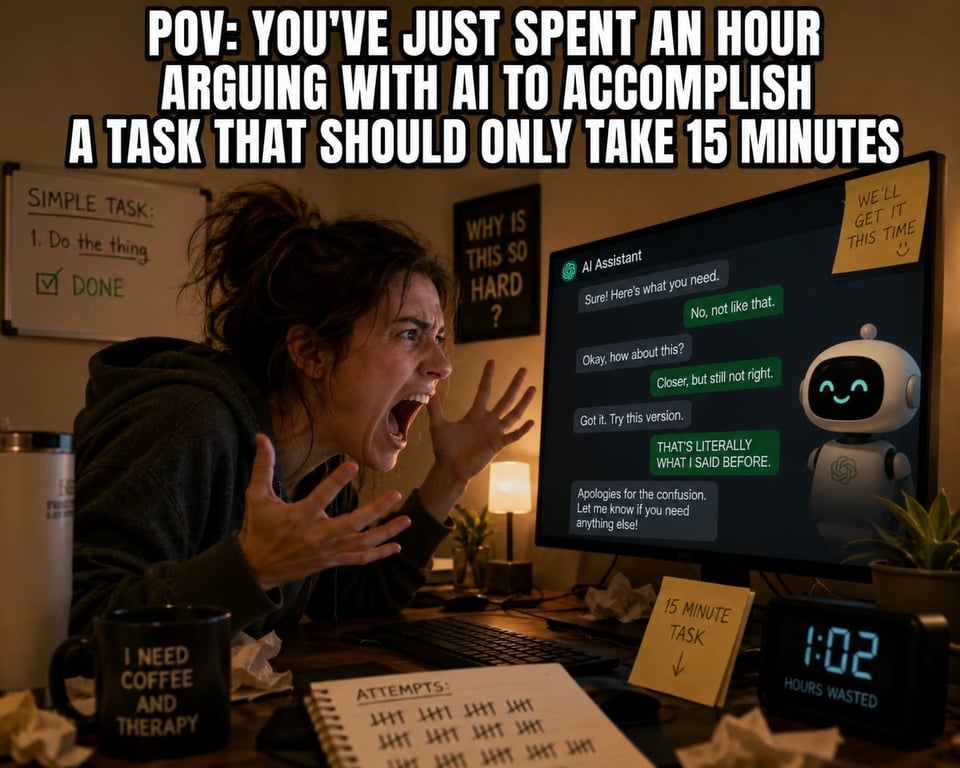
I’ve found this happens more often than people realize. The longer the conversation goes, the more AI starts optimizing around the most recent discussion instead of maintaining a balanced understanding of the product. Eventually, you aren’t writing a PRD anymore. You’re trying to steer AI back toward the product you already understand.
Trust me, this takes far longer than writing the PRD yourself. That’s why I don’t use AI to figure out what belongs in the PRD.
By the end of discovery, I already know what the product is. I’ve been in customer interviews, stakeholder meetings, design reviews, and engineering discussions. I’ve already synthesized all of that information into a clear understanding of the problem we’re solving, the decisions we’ve made, and the tradeoffs we’ve accepted.
Rather than dumping every artifact into AI or trying to teach it through an extended conversation, I give AI the product thinking I’ve already synthesized and ask it to challenge me.
Instead of asking AI to write the PRD, I ask questions like:
- What information is missing?
- What assumptions am I making?
- What edge cases haven’t I considered?
- What questions would an engineer ask after reading this?
- What questions would design ask?
- What questions would QA ask?
- What questions would compliance or support ask?
- Is there anything here that feels ambiguous or contradictory?
Here is a prompt I often use:
I want you to act as a skeptical cross-functional product team reviewing this feature before the PRD is written. Don’t make assumptions or invent requirements. Instead, identify gaps in my thinking. Tell me what information is missing, where my requirements are ambiguous, what edge cases I haven’t considered, what business rules need clarification, and what questions engineering, design, QA, compliance, legal, support, or operations are likely to ask before implementation. If something appears intentionally out of scope, ask me to confirm that assumption rather than expanding it. Your goal is to pressure-test my thinking, not to write the solution.
Most of the time, I already know the answers because I was in the conversations. AI isn’t telling me something new. It’s reminding me of something I forgot to include.
Occasionally, AI identifies a legitimate gap that I can’t answer. That’s valuable because it tells me there’s still product work to do before the PRD is ready. I can go back to a stakeholder, review the research, talk with engineering, or decide that the question is intentionally out of scope for this release. Either way, I’d rather make that decision before development starts than have the team debate it halfway through implementation.
Once AI stops finding meaningful gaps, I know the product thinking is complete enough to document. That’s when I ask it to generate the PRD.
At that point, AI isn’t inventing requirements or making product decisions. It’s organizing a product strategy that’s already been defined. Only after that process is complete do I ask AI to generate the PRD.
The Prompt
If you’re still looking for a PRD AI prompt, here’s a version of the one I use once I’ve synthesized the product thinking and pressure-tested it with AI. Notice that this comes after all of the work I’ve described above. The prompt isn’t doing the heavy lifting. It’s simply organizing information that’s already been validated.