
The Unhappy Path - ProductFTW #58
When building products, it is easy to focus on the happy path. The happy path is the ideal scenario where everything works as expected and the user moves seamlessly from point A to point B. It is the experience we hope for, the one we test most thoroughly, and often the one that defines the core product requirements.
But real users do not always follow the happy path. Systems fail, inputs are incorrect, connections time out, and users make mistakes. These failures create friction, and without proper handling, they can lead to frustration, churn, or even broken functionality. That is where the unhappy path comes in.
The unhappy path is what happens when things go wrong. It is the set of scenarios where errors occur, where users are confused, or where external dependencies fail. While the happy path tells us what needs to happen for success, the unhappy path reveals all the gaps that need to be addressed to make the product resilient, intuitive, and trustworthy.
Thinking through the unhappy path is not just an exercise in error handling. It is a core part of building a strong product experience.
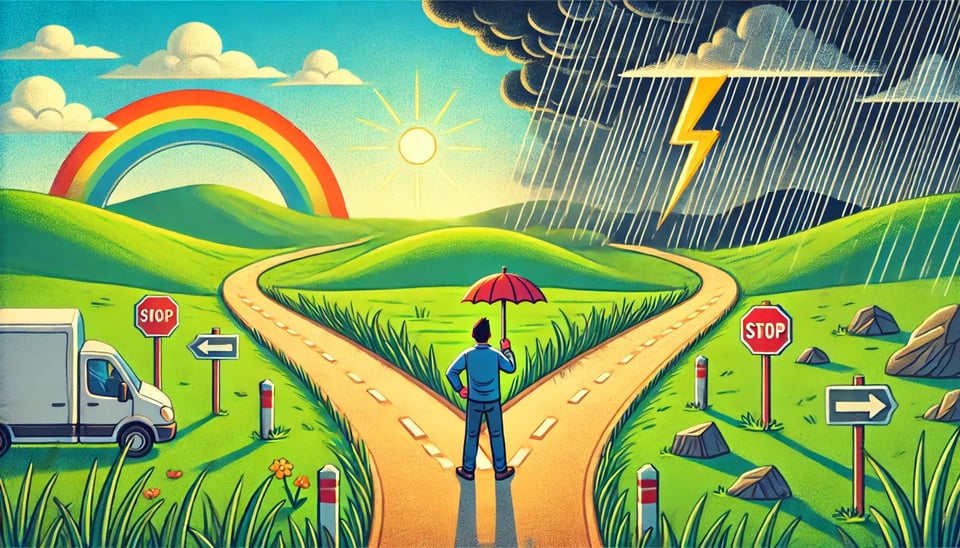
How to Identify the Unhappy Path
One of the best ways to uncover the unhappy path is by using flowcharts to visually map out user journeys. Flowcharts help break down the different steps in a process, making it easier to identify points of failure.
I like to approach flowcharting with two perspectives:
- I map out the happy path. I document the steps of an ideal experience where nothing goes wrong. This creates the baseline product requirements needed to build a feature under perfect conditions.
- I go back and think about where things can fail. I look at every step and ask, what could go wrong here? Does this require an external system? Does this step involve user input? What happens if that input is incorrect? What happens if the system does not respond?
This method ensures that failure scenarios are surfaced early, rather than as an afterthought.
Common Areas Where the Unhappy Path Appears
The unhappy path exists everywhere, but there are a few areas where it is especially important to think through:
1. User Input Errors
Users do not always enter data correctly. They mistype email addresses, leave required fields blank, or format phone numbers incorrectly. If the system does not handle these errors well, it can create frustration.
- Are error messages clear and actionable?
- Does the user get helpful suggestions to correct the issue?
- Is there validation to prevent incorrect inputs before submission?
A well-designed form does not just reject bad inputs; it guides users toward fixing them.
2. System and API Failures
Many products rely on external services, whether it is an API for authentication, a payment processor, or a third-party data provider. These services fail more often than we realize.
- What happens if an API call times out?
- What happens if a response is malformed?
- Does the system retry automatically?
If the product cannot gracefully handle an API failure, users may be left with confusing errors, lost progress, or broken functionality.
3. Edge Cases in Workflows
Some users take paths you did not anticipate. They refresh a page mid-transaction, they double-click a button, they navigate away and return later.
- Can users resume where they left off if they leave and come back?
- Are actions idempotent, meaning they do not accidentally trigger twice?
- Do users get stuck in an unintended state?
Building for edge cases prevents broken experiences that frustrate users and lead to support tickets.
4. Permission and Access Issues
Many products have role-based permissions or account restrictions. The unhappy path happens when a user tries to access something they should not or does not have the correct permissions for an action.
- Does the system clearly communicate why access is restricted?
- Can users request the appropriate permissions if needed?
- Is there a fallback experience that still allows them to use the product in a limited way?
Users should never be met with a blank screen or a cryptic error message when they do not have access.
5. Payment Failures and Billing Issues
If your product has subscriptions, transactions, or invoicing, handling failures properly is critical.
- What happens if a credit card is declined?
- How does the system handle expired payment methods?
- Does the user get a clear and timely notification to fix the issue?
Billing errors are one of the fastest ways to lose a customer, so they should be designed with care.
Turning Unhappy Paths into Stronger Product Experiences
Once you identify the unhappy path, the next step is designing how the system should handle it. There are three key principles to keep in mind.
1. Provide Clear and Actionable Error Messages
Users should always understand what went wrong and what they need to do next.
Bad error messages:
- “Invalid input.” (What input? What is wrong with it?)
- “Something went wrong.” (That is not helpful.)
Good error messages:
- “The phone number must be in this format: (123) 456-7890.”
- “Your session has expired. Please log in again.”
A well-written error message can mean the difference between a user fixing the issue and moving forward or getting frustrated and abandoning the product.
2. Offer Recovery Paths
When something goes wrong, users should have a way to recover.
- If an API call fails, retry it or provide an alternative way to continue.
- If a form submission is invalid, highlight the specific fields that need fixing.
- If a user gets locked out, offer ways to reset their access.
The best products do not just catch errors. They help users get back on track.
3. Log and Monitor Errors
Even with the best planning, unhappy paths will still happen. That is why it is important to have monitoring in place to track failures in real time.
- Use error tracking tools like Sentry or Datadog to log unexpected failures.
- Monitor API response times and success rates to catch slow or failing integrations.
- Look at user behavior analytics to see where users are getting stuck.
If you are not tracking errors, you are only hearing about them when users complain, and by that point, it is already a problem.
Why the Unhappy Path Should Be a Priority
It is easy to focus on designing for when everything goes right, but the reality is that things will go wrong. Users will enter incorrect information. APIs will fail. Edge cases will surface. A product is only as strong as its ability to handle failure gracefully.
The best way to think about the unhappy path is proactively rather than reactively. Flowcharts, error tracking, and thoughtful UX design all help ensure that when users encounter issues, they do not feel abandoned.
A well-handled unhappy path is not just a defensive measure. It can differentiate a product by making it feel robust, reliable, and user-friendly even in imperfect situations. The best products are not just the ones that work perfectly under ideal conditions. They are the ones that support users through every possible scenario, even when things do not go as planned.
About ProductFTW
ProductFTW is a weekly newsletter about product management, with a focus on real-life experiences in startups. We want to help product leaders be successful by giving realistic approaches that aren’t for giant tech companies. We know you don’t have a full-time product designer on each team. We know your software probably hasn’t been used by millions of people worldwide–yet. We’re here to bridge the content gap from building your product and team to scaling it.
Part of the Product Requirements Field Guide — ProductFTW's collected essays on the six phases of writing requirements, from problem definition to launch.